Features
Studio designs it.
Runtime runs it.
LinkView is an HMI/SCADA designer and an operator runtime. Browser Preview runs a built-in pump-station simulator. It does not connect to your PLC.
Canvas
Tokens on the canvas.
The canvas holds the screen. Tokens are shared values for how it looks.
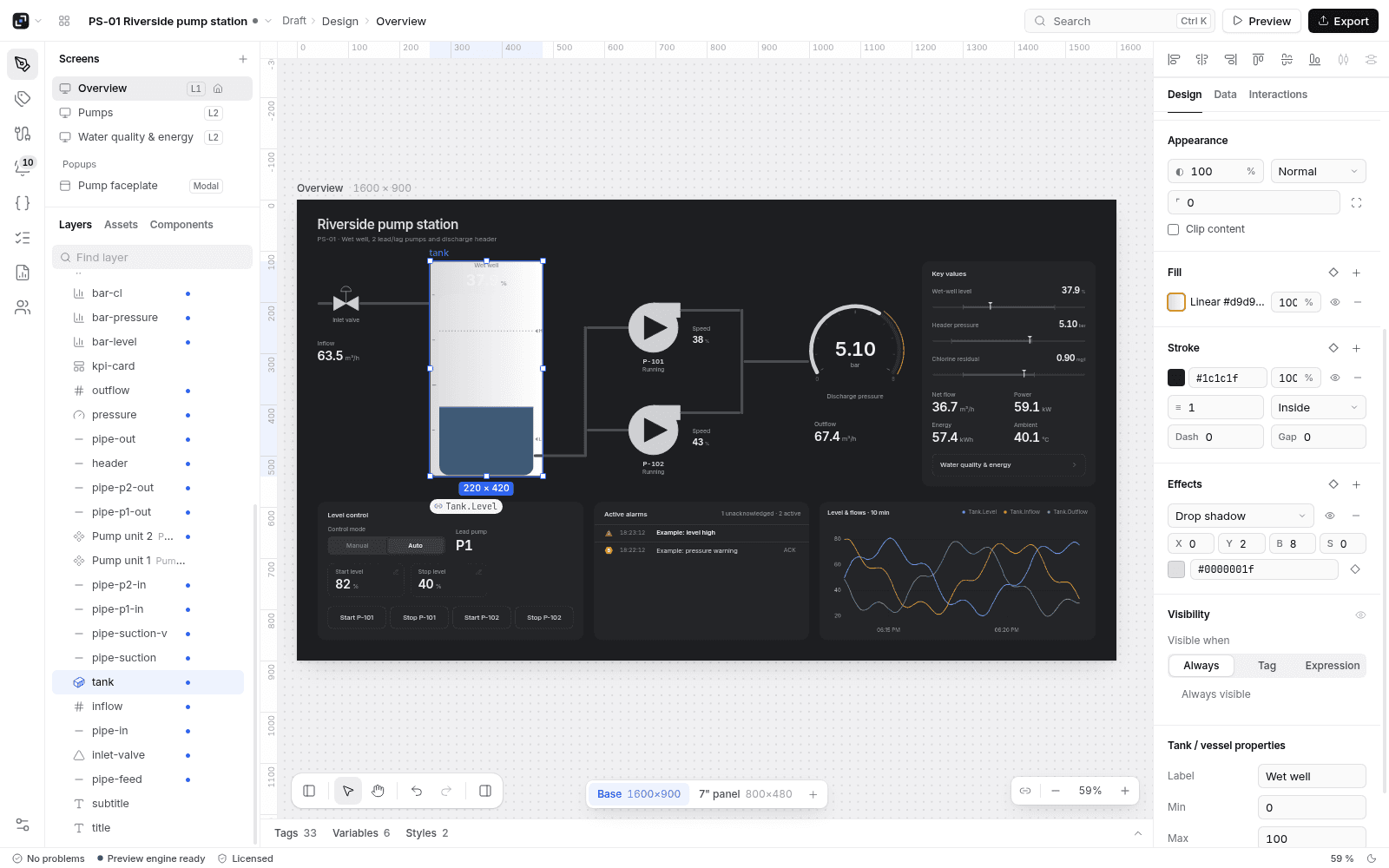
Layout
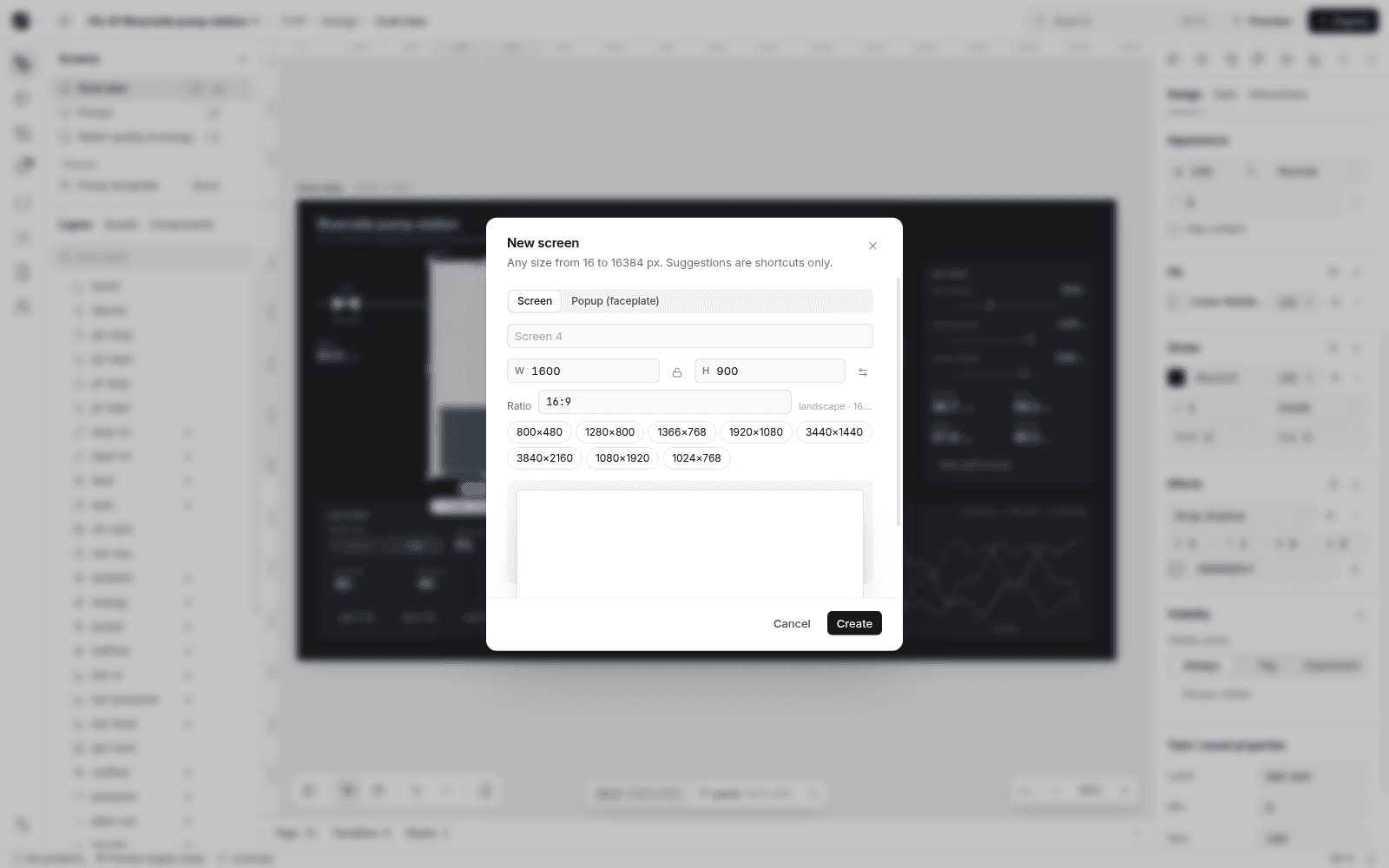
Variants and auto-layout.
A screen can have variants for other sizes. Auto-layout places the children in a frame.
Components
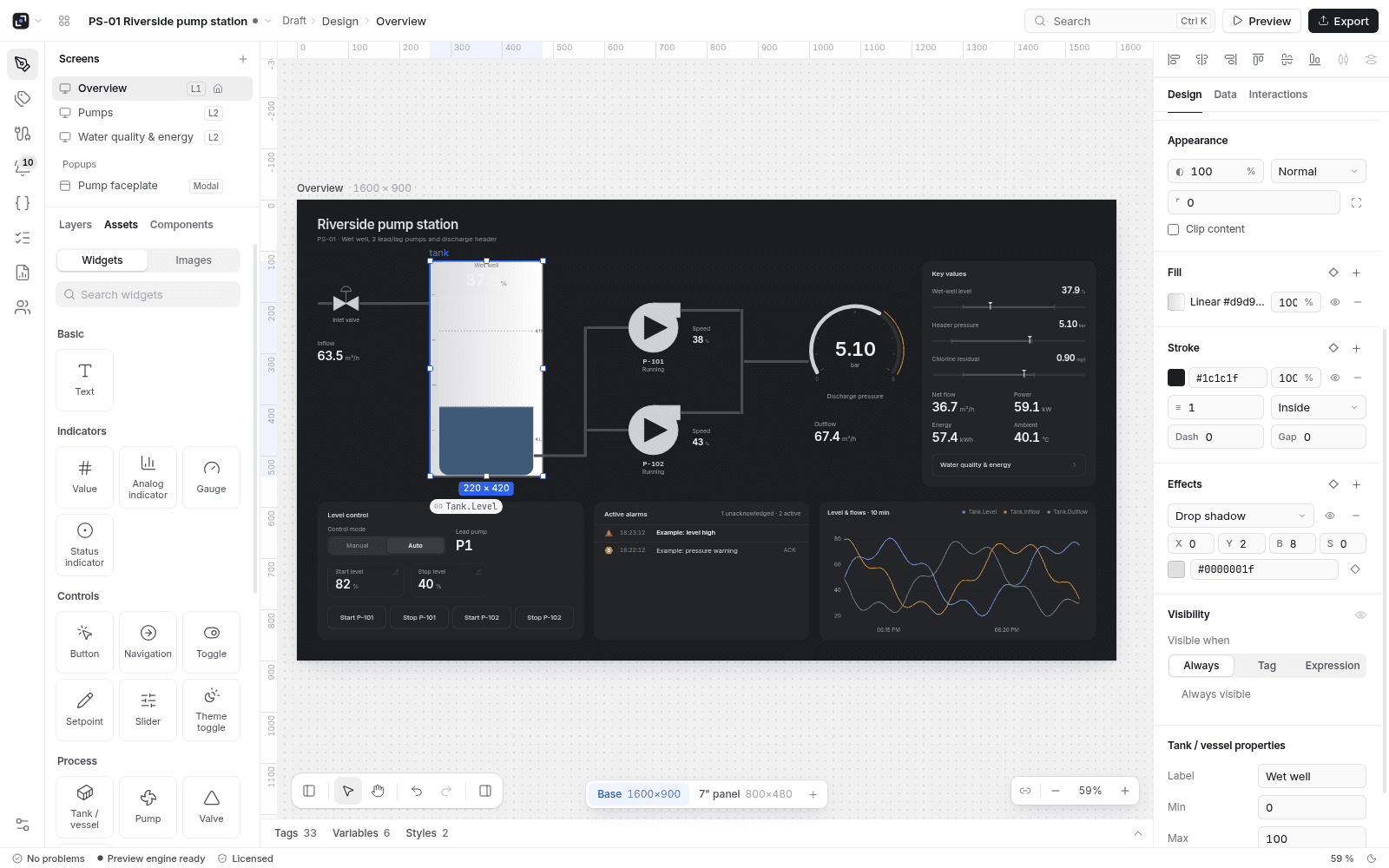
Components, and SVG symbols with bindable parts.
Build a component and place it again. An SVG symbol binds named parts to tags.
Data
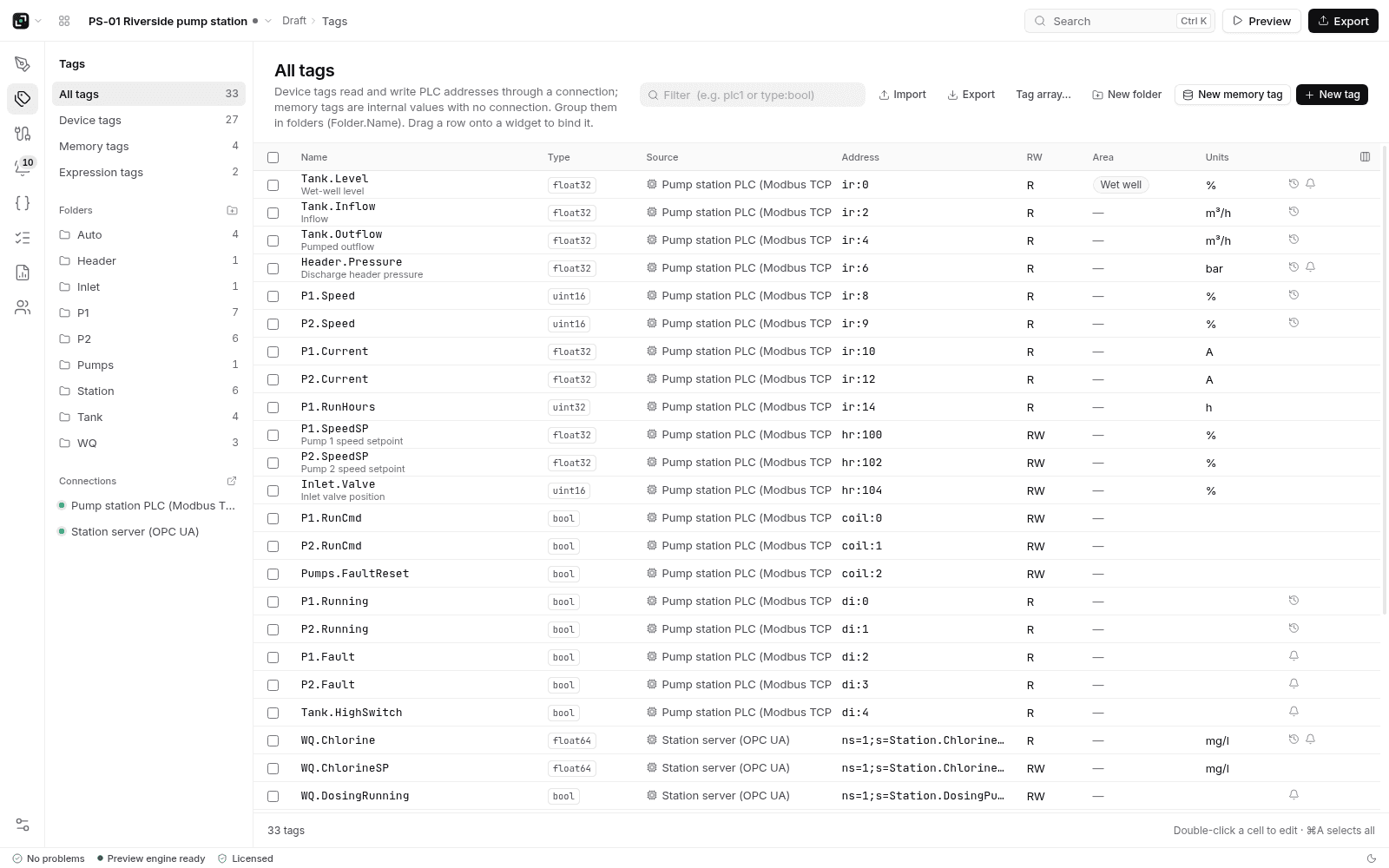
Tags and TypeDefs.
Tags hold values. TypeDefs group fields. The drivers in the product are Modbus TCP, Modbus RTU and OPC UA.
Alarms
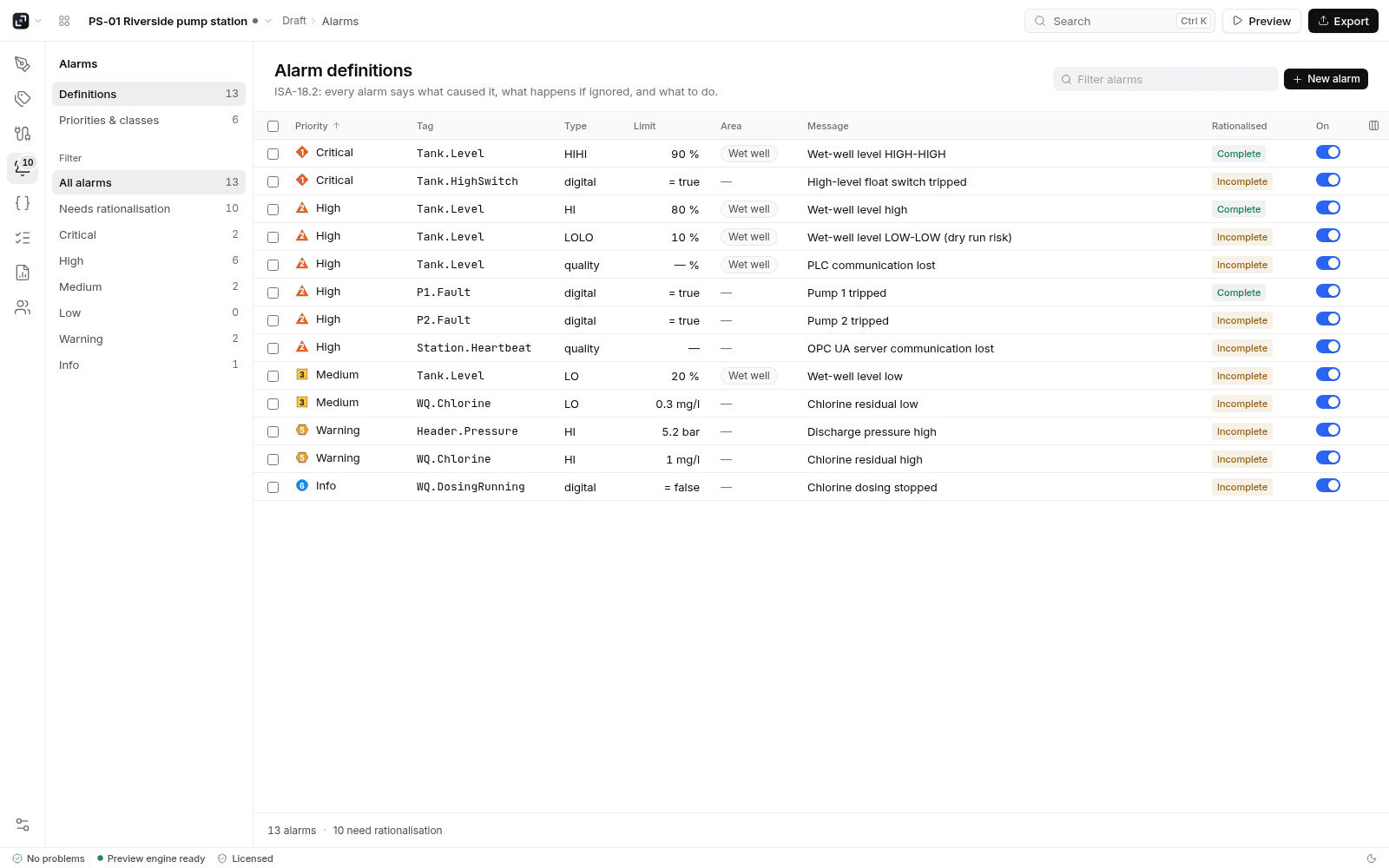
Alarms in the project.
You define alarms in Studio. Trends and the historian run in Runtime.
Access
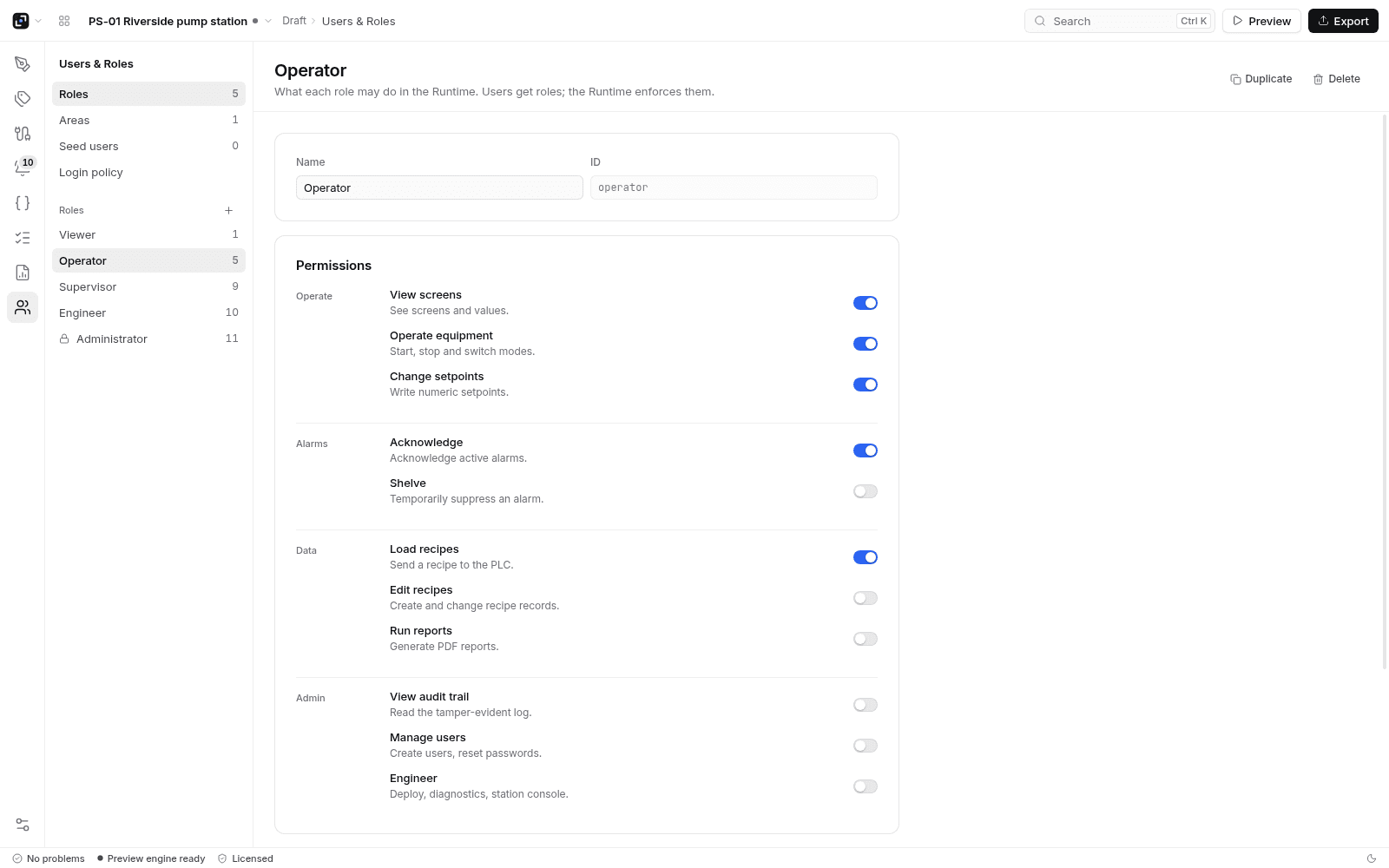
Users and roles.
Users and roles are part of the project.
Also in the product
Scripts, recipes, reports, trends.
QuickJS scripts
Scripts in the project run with QuickJS.
Recipes
Recipe sets live in the project.
Reports
Reports live in the project.
Trends
Trends run in Runtime.
Historian
The historian runs in Runtime.
Preview
Browser Preview runs a built-in pump-station simulator. It does not connect to your PLC.
No built-in assistant
There is no built-in assistant and no AI credit plan.
Your own AI
Connect your own AI through MCP. LinkView does not host a model.
Trial
The first day is a trial: edit and preview. After that, a seat is required to keep editing and to deploy.
Runtime
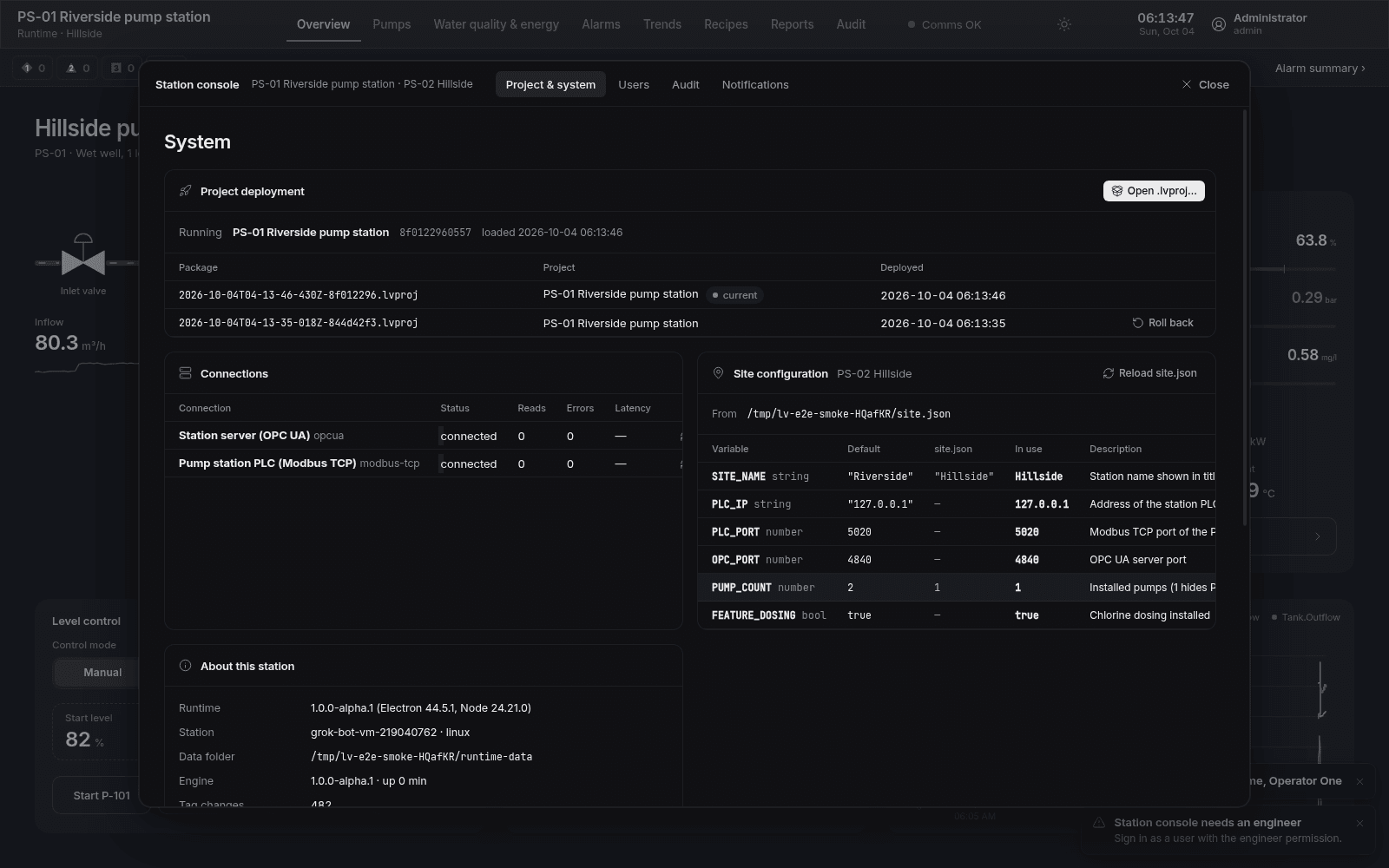
Free. Offline.
Runtime is free. It runs the screens offline. Trends and the historian run here. The public download is a Linux x64 AppImage.