AI and MCP
Design HMI screens with your own AI client, through MCP.
LinkView does not host a model. Any MCP client that sends a LinkView token as a bearer header, for example Claude, ChatGPT, Cursor, GitHub Copilot or Grok, can edit your projects.
What the client can do
- Edit screens, widgets, bindings, tags, alarms, scripts, recipes and reports.
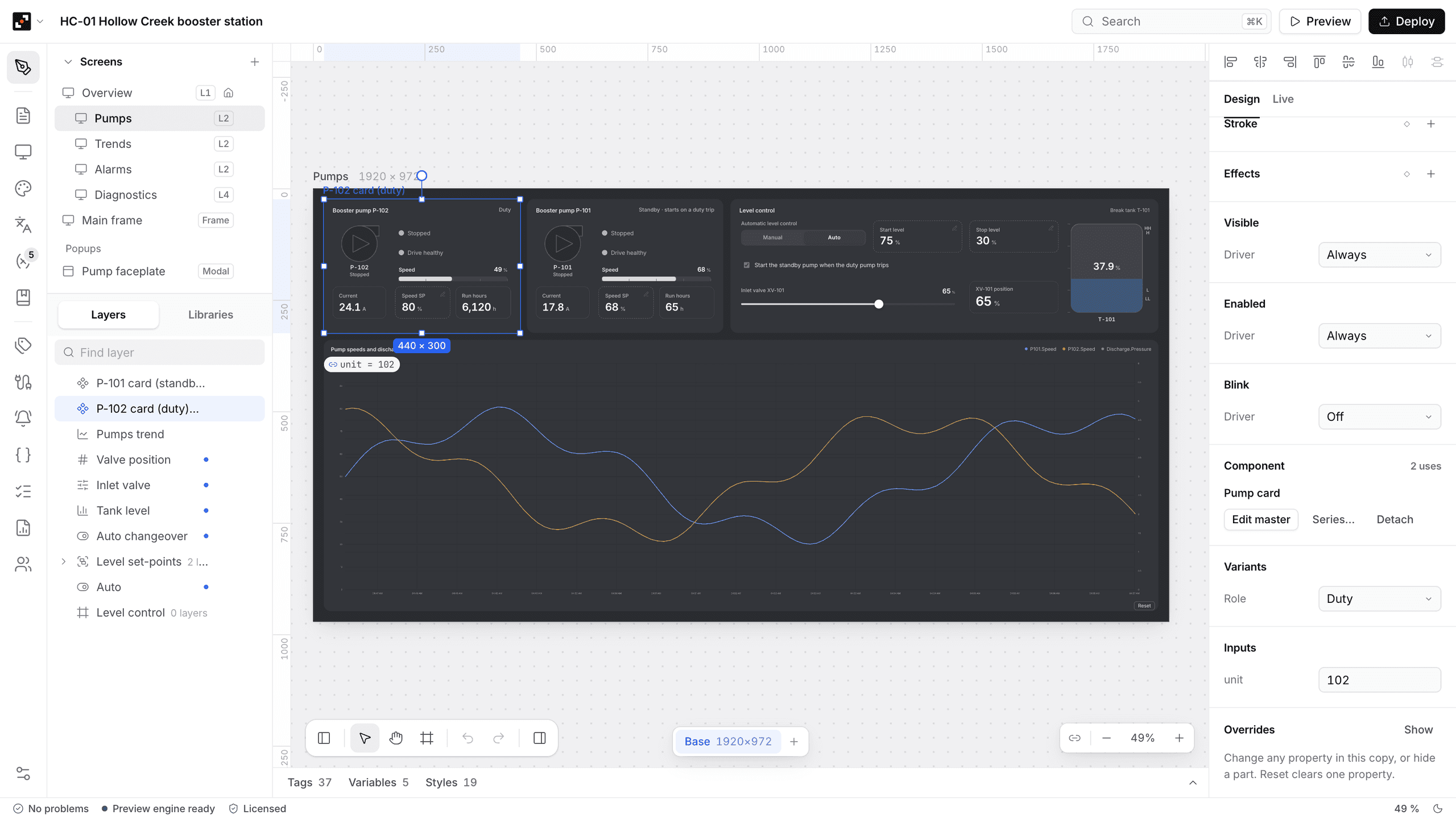
- Look at a screen: render_screen returns an image of it, drawn the way Studio and the Runtime show it.
- Start a project from a blank one, the pump station demo or a showcase project.
- Edits need a seat or a running trial.
- MCP does not deploy: deploying stays in Studio, with a seat.
How to connect
- Create a token under Account, MCP, and point the client at https://linkview.dev/api/mcp.
- A client can also sign in with OAuth. That access token lasts one hour, and the refresh token lasts 30 days. A token created under Account, MCP stays valid until it is revoked.
What it costs
Studio is €399.99 per seat per month or €3,999.99 per seat per year, in EUR. Runtime is €0 on any number of stations. The trial lasts 3 days and asks for no payment details.
Questions
Which AI clients work with LinkView?
Any MCP client that can send the token as a bearer header, for example Claude, ChatGPT, Cursor, GitHub Copilot or Grok.
Can the AI see the screens it builds?
Yes. render_screen returns an image of a screen, drawn the way Studio and the Runtime show it.
Does LinkView host an AI model?
No. LinkView does not host a model. You bring your own MCP client.
Can the AI deploy to my stations?
No. MCP does not deploy. Deploying stays in Studio, and it needs a seat.